
How to combine MKV files online free
Handling multiple video files can quickly become frustrating, especially when you are dealing with MKV files split into different parts. Instead of downloading bulky video editing software or learning complicated tools, you can combine MKV files


In this guide, you will learn a simple and practical method to merge your MKV videos into one complete file using an online tool.
MKV stands for Matroska Video. It is a popular video format known for supporting high quality video, audio, and subtitles in one file.
You may need to combine MKV files for several reasons
- You downloaded a movie in multiple parts
- You recorded clips separately and want one full video
- You want to organize content into a single file for easy playback
- You are preparing videos for sharing or uploading
Instead of playing multiple files one after another, merging them creates a smooth viewing experience.
Best way to combine MKV files online
The easiest way to do this is by using an online tool that works directly in your browser. No installation, no setup and no technical skills required.
Start here
Merge MKV online tool
Step by step guide to merge MKV files
Follow these steps carefully to get the best result
First, open the tool using the link above
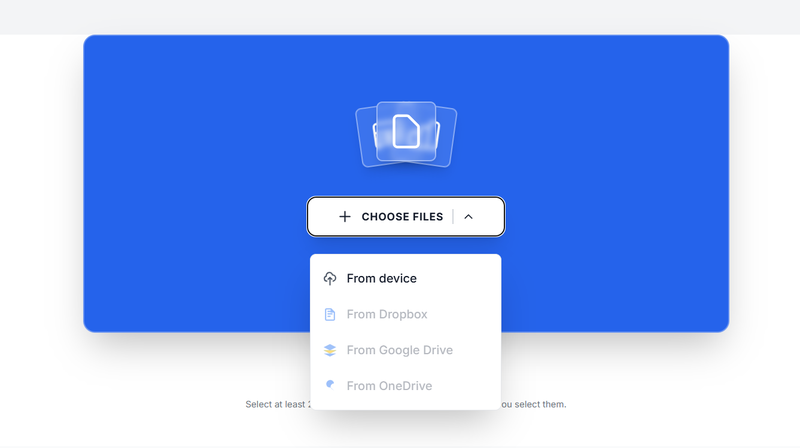
Once the page loads, click on the upload button and select all the MKV files you want to combine. You can choose multiple files at once
After uploading, your files will appear on the screen. This is where order matters. Arrange the files exactly how you want the final video to play
Next, click on the merge button.
The tool will begin processing your files and combining them into a single MKV video
Depending on the size of your videos, this may take a few seconds or a few minutes
Once the process is complete, you will see a download option. Click it to save your final combined video to your device
Tips for better results
Always check the order of your files before merging
Use files with similar resolution and format for smoother playback
Make sure your internet connection is stable during upload
After downloading, play the video to confirm everything merged correctly
Advantages of using an online MKV merger
Using an online tool comes with several benefits
No need to install any software
Works on Windows, Mac, and even mobile devices
Fast and beginner friendly
Free to use without registration
Saves time compared to traditional video editors
Common issues and simple fixes
If your final video does not play smoothly, it may be due to mismatched file properties. Try using files with similar encoding and resolution
If upload fails, refresh the page and try again with a stable connection
If the order is wrong, simply rearrange the files before merging and repeat the process
When should you use this method?
This method is perfect when you want a quick and simple solution without dealing with complex video editing software. It works best for basic merging tasks and everyday use
If you are working on advanced editing like adding effects or transitions, then a full video editor may be more suitable
Combining MKV files online is one of the easiest ways to manage and organize your video content. With just a few clicks, you can turn multiple clips into one complete file that is ready to watch or share
If you want speed, simplicity, and convenience, this method is all you need. Just upload, arrange, merge, and download your final video
About the Author

Phyllis Mireles
Senior content writer @mergefiles.online