How to merge md files online free
In this blog post, we are gonna walk through how you can merge multiple md files into one without using complex tools.


If you work with markdown files for notes, documentation, or coding projects, this will save you a lot of time.
Markdown files are simple text files, but when you have many of them, things can get messy
You may want to combine notes into one document
You might be preparing documentation for a project
Or you just want everything in one clean file for sharing
Instead of copying and pasting manually, you can merge them quickly online
In this short guide, we are gonna use a simple online tool
It works directly in your browser and does not require installation
Step by step guide to merge md files
First, open the tool using the link above
Once the page loads, click on the upload button and select all the md files you want to merge
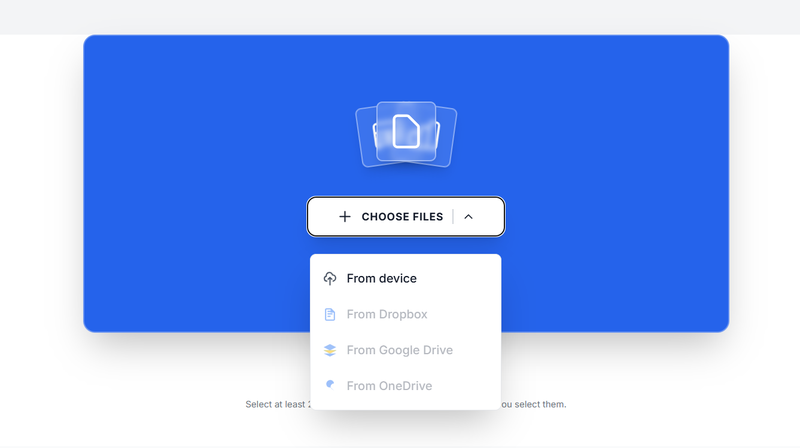
After uploading, your files will appear in a list. Arrange them in the correct order because the final file will follow this sequence
Next, click on the merge button to start the process
Wait a few seconds while the tool combines your files
Once it is done, download the merged md file to your device
Tips for better results
Keep your files properly named so you can arrange them easily
Check the order before merging to avoid mistakes
Open the final file to confirm everything looks correct
Make sure your markdown formatting is consistent across files
Merging md files is one of those small tasks that can become frustrating if done manually. In this short guide, we have seen how you can do it quickly using an online tool
Just upload, arrange, merge, and download your file
That is all it takes
About the Author

Phyllis Mireles
Senior content writer @mergefiles.online