
How to merge PDF files online free
In this short guide we are gonna learn how to merge multiple pdf files into one online completely for free and no need to sign up or login anywhere.

In today's blog post we are gonna learn how to quickly merge multiple PDF files online using mergefiles.online website.
Let's get started.
First you need to come to this page: https://mergefiles.online/merge-pdf/ Once the page loads, you will see an option to upload your PDF files.
Click on the upload button and select all the PDF files you want to merge from your device.
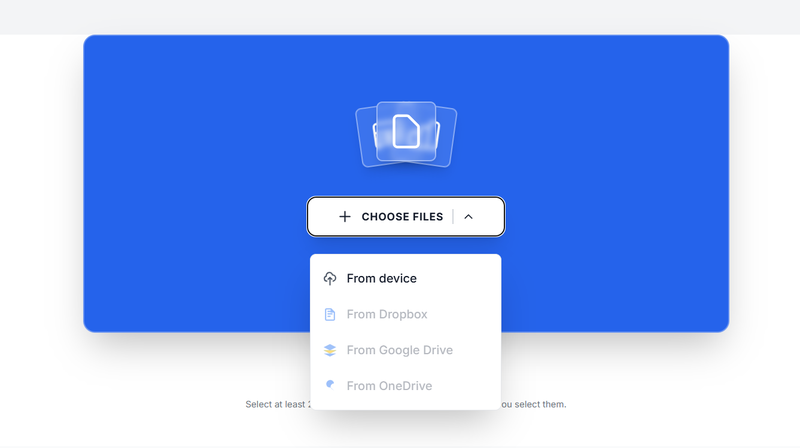
You can choose multiple files at once.
After uploading, the files will appear in a list. Make sure they are arranged in the correct order because the tool will merge them based on how they are listed. If needed, adjust the order before proceeding.
Next, click on the merge button. The tool will begin combining your files into a single PDF document. This usually takes just a few seconds depending on the file size.
Once the process is complete, you will see a download option. Click it to save your merged PDF file to your device.
That is it. You now have one complete PDF file instead of multiple separate ones. This method is fast, free, and does not require any installation or sign up. It works directly in your browser and is perfect for quick tasks.
Before you go, always open the final file to confirm that everything merged correctly and is in the right order.
Related Articles
How to save a Google Doc as a PDF
Saving a Google Doc as a PDF is one of the easiest ways to share your work in a clean and professional format. A PDF keeps your layout intact, prevents unwanted edits, and works on any device.
About the Author

Phyllis Mireles
Senior content writer @mergefiles.online